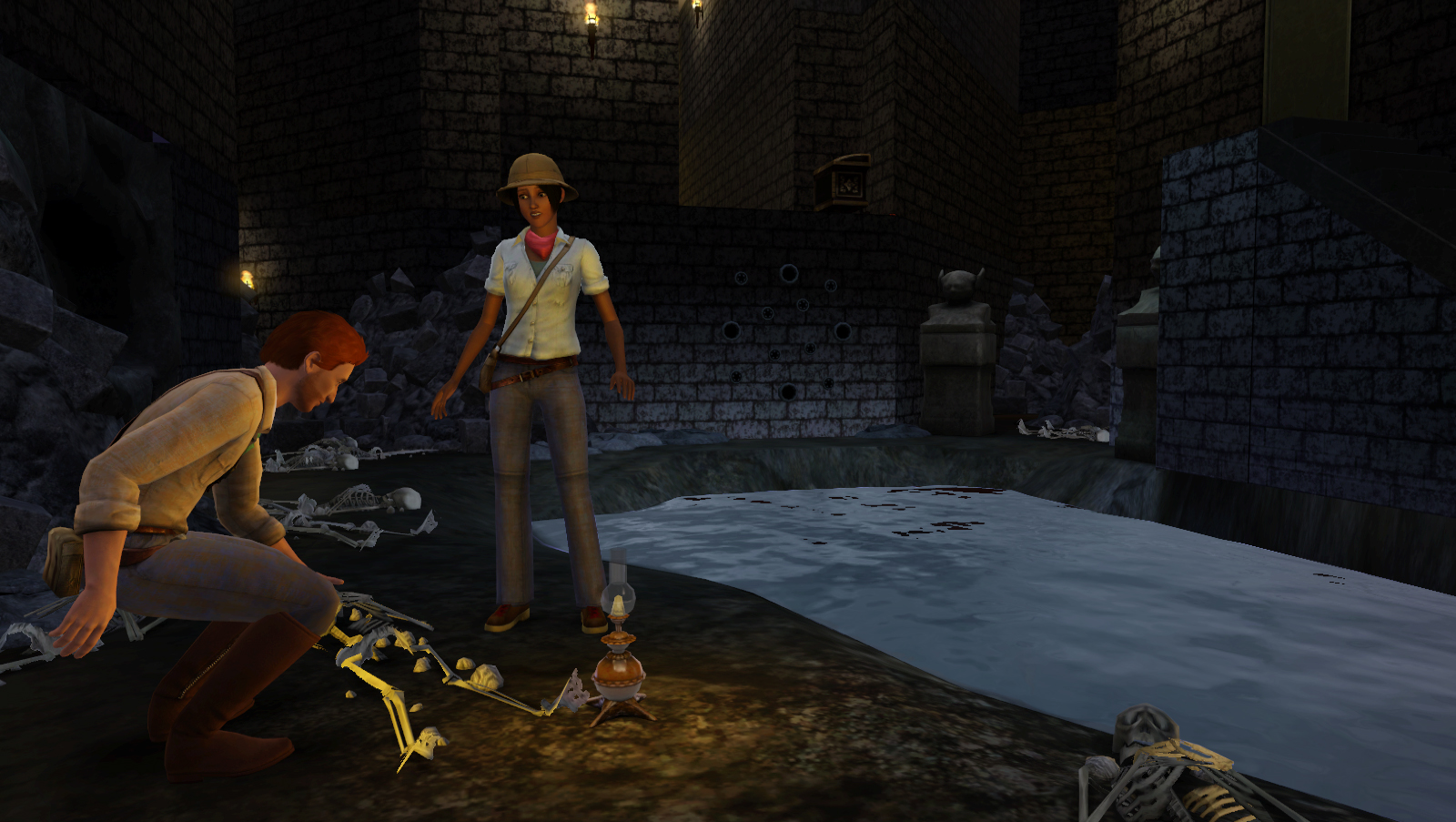
Er gaan al langer geruchten over een eerste accessoires uitbreiding voor de Sims 3. Eerste zette play.com snel The Sims 3 High End Stuff online maar haalde het er dezelfde dag nog vanaf. Nu staat op de franse Amazon.fr Les Sims 3 Modern Loft Stuff. Welke van de twee zal het nou worden? Bij Modern Loft Stuff staat een release datum voor februari 2010 en dat zou best kunnen kloppen. EA heeft dit overigens nog niet bevestigd dus het is nog steeds een gerucht.
Bron: Sims3Nieuws
Er gaan nu geruchten dat EA bezig is met een tool om buurten te maken voor De Sims 3. Op het Sims 3 Fan Fest van mei dit jaar zij MJ Chun nog dat ze het in het team zo meenemen. Lees hieronder de geruchten.
Neue Nachbarn
Werden dir die Grenzen von Sunset Valley zu eng? Dann erstelle deine eigene Nachbarschaft!
Enkele dagen geleden ontving ik al een bericht van iemand (die liever anoniem wil blijven) die vertelde dat een EA medewerker aan hem had laten doorschemeren dat EA inderdaad met tools voor Sims 3 bezig is. De tipgever wilde niet kwijt wie de EA bron was alleen dat het niet iemand van EA Nederland is en een betrouwbare bron. Maar met 2 anonieme bronnen zou het wel een erg vaag bericht zijn geworden en dus heb ik het niet gemeld:
… maar van contacten die ik heb met mensen die bij EA werken (niet Nederland) is men bezig met het onderzoek naar officiele tools, gezien de makers van de sims 3 zelf ook inzien dat het veel moeilijker is geworden voor de community om eigen content toe te voegen …
Maar nu met deze melding er bovenop lijkt het er toch wel sterk op dat EA eindelijk met tools voor Sims 3 gaat komen: nu een tool om zelf buurten te gaan maken en wie weet later nog meer tools? En misschien dat Patricia die eind van de week bij EA in Amerika zit er meer over hoort? Misschien wel als een van de eerste de tool mag testen?
We houden jullie in ieder geval op de hoogte!
Bron: Sims 3 Nieuws
TSR Workshop versie 0.8.7 is er eindelijk. Met de nieuwe versie kunnen nu ook objecten worden gemaakt. Hoe lastig ze te maken zijn is nog maar de vraag. Als jullie problemen ondervinden bij het installeren en gebruiken van TSR Workshop geef dan een reactie. Onthoud wel dat het nog steeds een Beta is en het nog fouten kan hebben.
It’s time for celebration!
All those of you impatiently waiting for the new release of TSR Workshop with full support for objects, hair, makeup, accessories and clothing – the wait is finally over!
The public beta, version 0.8.7 is now available for download in our Workshop downloads section.
Please note this is still a beta product and there will no doubt be various bugs left to discover. We have however taken this long closed beta period to make sure as many obvious bugs as possible are fixed and that the version we provide has as many features as possible.
Download (inloggen is nodig): TSR Workshop Public Beta
Bericht: TSR Workshop goes public!”
Bron: The Sims Resource (via: Sims3Nieuws.nl)
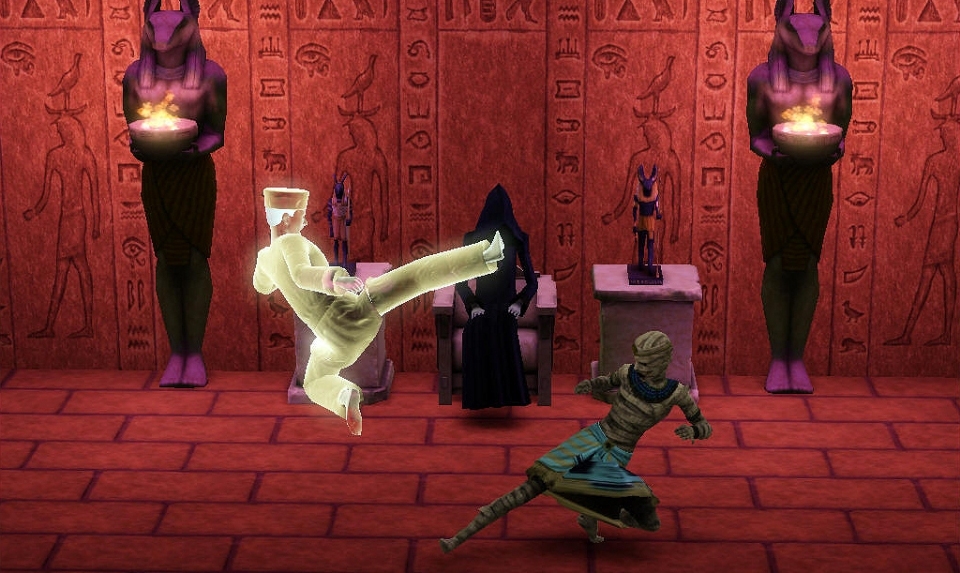
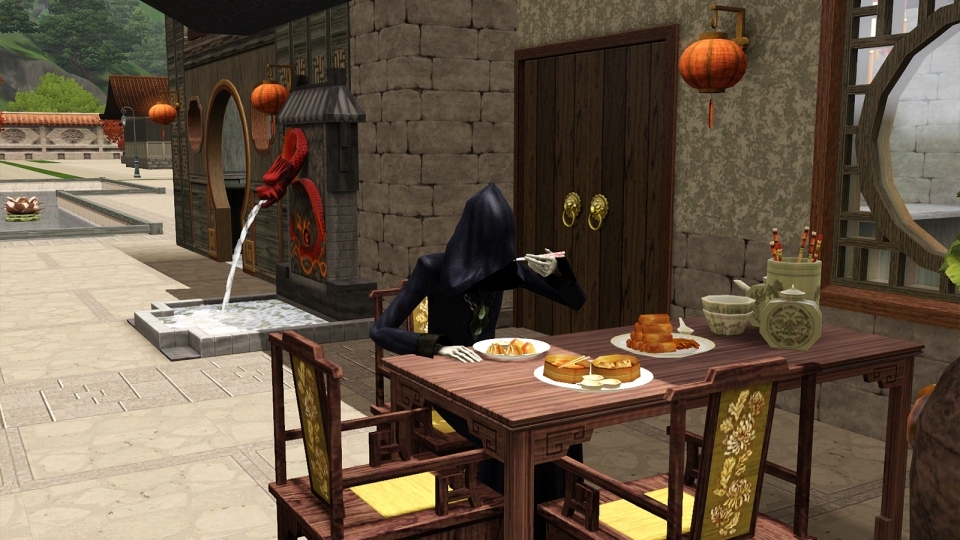
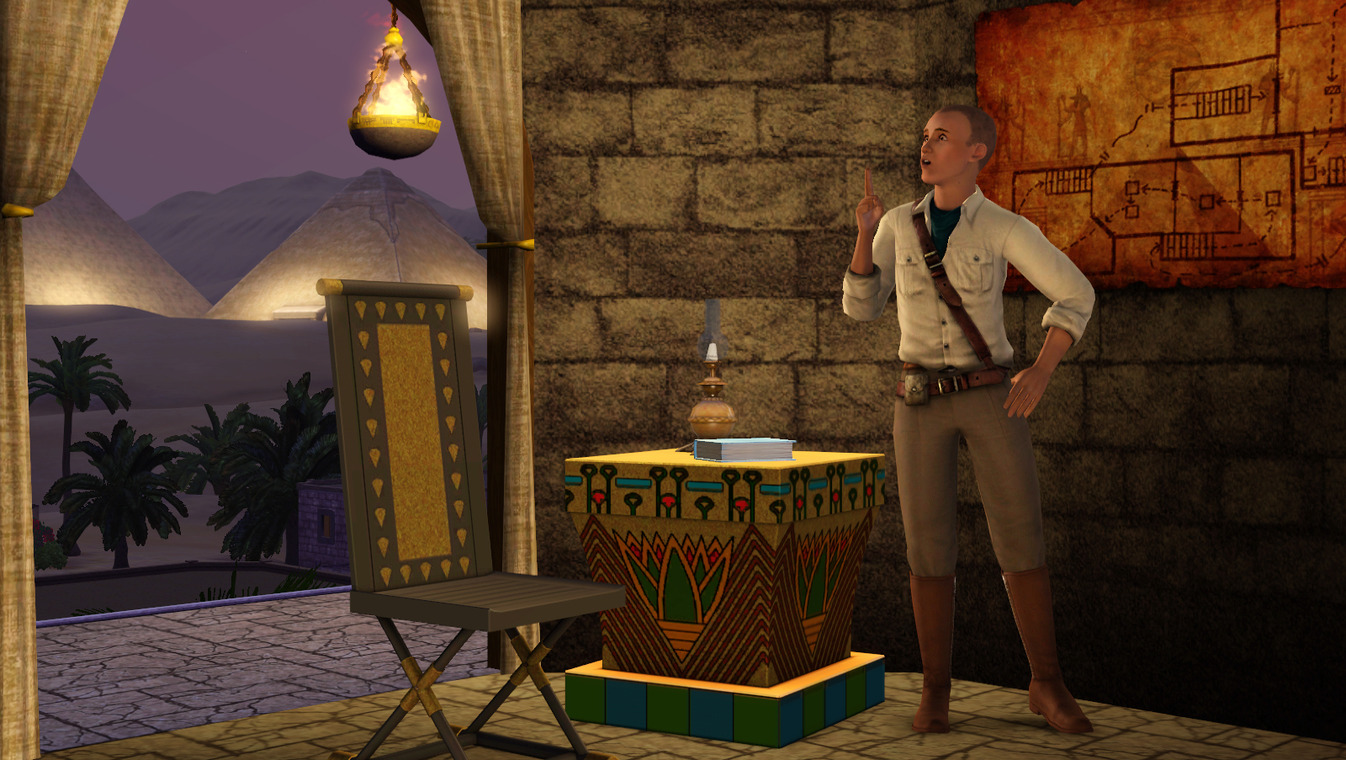
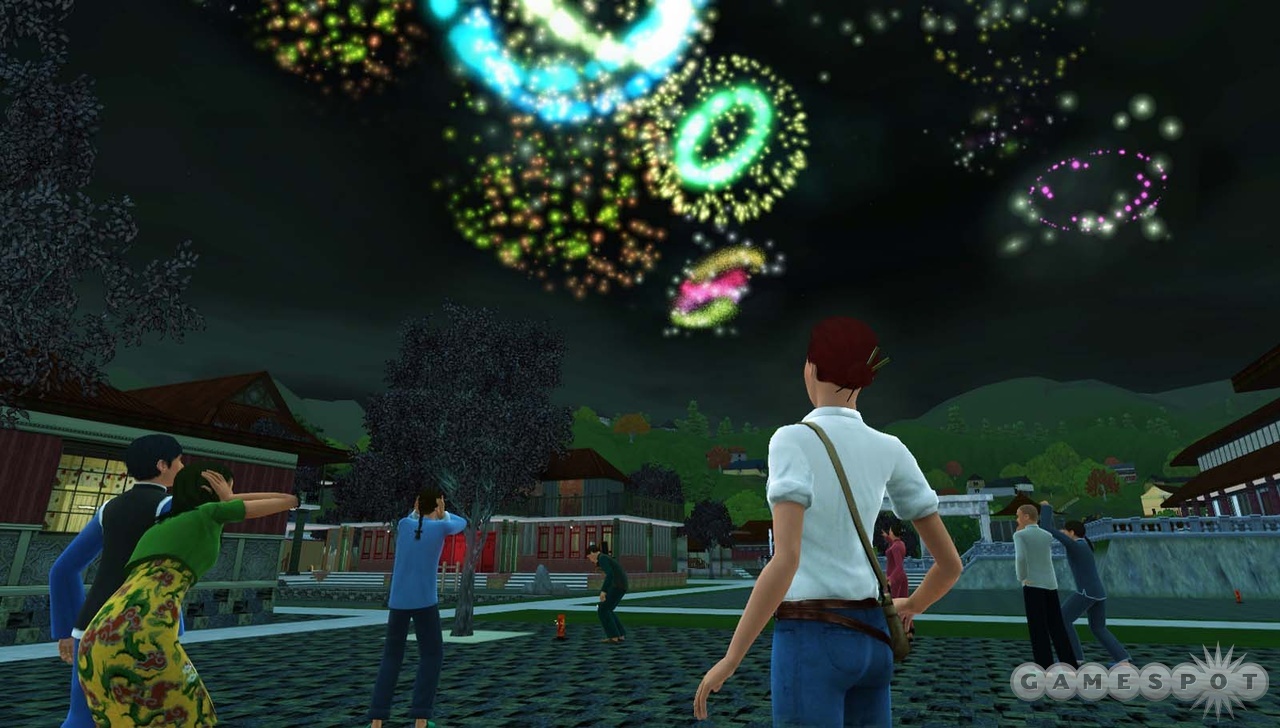
Er zijn 4 nieuwe screenshots verschenen van De Sims 3 Wereldavonturen. 2 screen met magere hein en 2 normale screens. Ik denk dat later vandaag (of deze week) er nog een verhaal komt om de 2 laatste screens en ik gok dat dat iets over de vele objecten en bouwstijlen zal zijn.
The Grim Reaper has always been a key figure in The Sims games, dark, yet amusing! In Al Simhara, Egypt, the Grim Reaper watches on as a ghost Sim battles against a mummy and eagerly awaits the end results. Then decides to venture to China and dine in the serene setting. Heh.
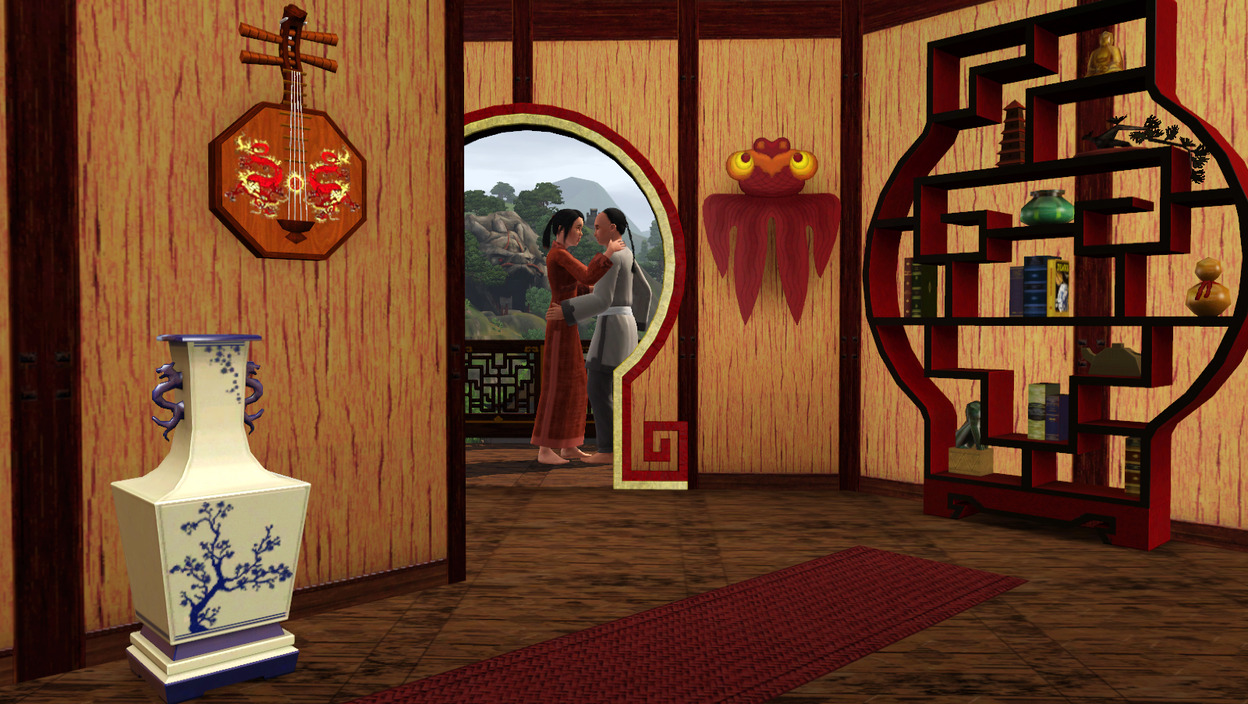
Bronnen: Sims3Nieuws,Simoperations,Simsdomination,Snooty Sims
De Sims 3 heeft verloren. Ze hebben de TMF Game Award voor Beste PC Game niet gekregen. Deze ging naar World Of Warcraft.
TMF Game Awards uitgereikt
AMSTERDAM (ANP) – Tijdens de tweede editie van het game-evenement Firstlook zijn zaterdag en zondag de TMF Game Awards uitgereikt. De winnaars van de publieksprijzen namen hun Awards op het Westergasterrein in Amsterdam in ontvangst. Dat maakte de organisatie zojuist bekend.
De kijkers van jongerenzender TMF brachten de afgelopen weken hun stem uit op hun favoriete games van 2009 voor verschillende consoles.
Het Nederlandse spel Killzone 2 werd uitgeroepen tot beste Playstation3-game. Gears of War 2 won de prijs voor beste Xbox360-spel en Wii Sports Resort sleepte de titel beste Wii-game in de wacht. In de categorie beste game voor de pc kreeg World of Warcraft: Wrath of the Lych King de meeste stemmen. Grand Theft Auto Chinatown en Soul Calibur Broken Destiny werden verkozen tot beste game voor respectievelijk de Nintendo DS en de Playstation Portable (PSP). De kijkers van TMF kenden de Xbox360 de award voor beste gamingplatform toe.
Vakjury
Een vakjury stelde de lijst genomineerden samen. Volgens TMF brachten vervolgens ruim 20.000 gameliefhebbbers hun stem uit.
Zaterdag en zondag vond op het Westergasterrein in Amsterdam het evenement Firstlook 2009 plaats. Tijdens het gamefestival werden de nieuwste games van komend seizoen getoond.
Bron: Sims 3 Nieuws
Het eerder bericht maar nu nederlands:
Esmee Denters is een van de gelukkige die haar liedje “Outta Here” mag gaan zingen in Simlish voor de Sims 3 Wereldavonturen.
Persbericht EA:
ESMÉE DENTERS, LEANN RIMES, NATALIE PORTMAN’S SHAVED HEAD EN NOG MEER ARTIESTEN ZINGEN EEN NUMMER IN HET SIMLISH VOOR DE SIMS 3 WERELDAVONTUREN
SCHIPHOL-RIJK, 13 oktober 2009 – Fans van De Sims™ van over de hele wereld zullen mee swingen met de nieuwe muziek in het Simlish uit De Sims™ 3 Wereldavonturen, het nieuwe Uitbreidingspakket* voor PC en Mac® dat in november uitkomt. Het EA™ Play Label van Electronic Arts Inc. (NASDAQ: ERTS) heeft vandaag meer dan een dozijn artiesten aangekondigd die in nummers in het Simlish te horen zullen zijn in De Sims 3 Wereldavonturen. GRAMMY-winnares LeAnn Rimes is onder meer te horen naast opkomende sterren als Fefe Dobson, Natalie Portman’s Shaved Head, Katie Melua, Esmée Denters, Evan Taubenfeld, Madina Lake en vele anderen.
“De muzikale wereld van De Sims komt wederom tot leven met een aantal van de grootste sterren van nu en de toekomst. Zij zingen hun hits in het Simlish,” zegt Steve Schnur, wereldwijde leider op het gebied van muziek voor EA. “Je kunt alvast uitkijken naar leuke muziekclips die bij deze nummers horen. Je zult zien dat het Simlish een echte wereldtaal is geworden.”
“Mijn vrienden hebben het al jaren over De Sims en het was mij ook al ter ore gekomen dat Natasha Bedingfield en de Black Eyed Peas nummers hadden opgenomen in het Simlish, dus ik stond te trappelen om ook mee te doen,” aldus LeAnn Rimes. “Het is echt cool om mijn eigen muziek terug te horen in zo’n bekende game.”
“Het was heel apart om in een andere taal te zingen, maar dat was tegelijkertijd ook heel erg leuk,” zegt Esmée Denters. “We hebben heel veel lol gehad tijdens de opnamen en het was geweldig om samen te werken met EA. Ik ben heel blij met het eindresultaat.”
Dit zijn de nieuwe wereldartiesten die te horen zijn in De Sims 3 Wereldavonturen:
- LeAnn Rimes – “You’ve Ruined Me”
- Fefe Dobson – “I Want You”
- Katie Melua – “If the lights go out”
- Madina Lake – “Lets Get Outta Here”
- Manchester Orchestra – “I’ve Got Friends”
- Natalie Portman’s Shaved Head – “Me + Yr Daughter”
- Esmée Denters – “Outta Here”
- Hot Chelle Rae – “Say”
- Audrye Sessions – “Turn Me Off”
- Metalkpretty – “Wake Up, Wake Up”
- Evan Taubenfeld – “Pumpkin Pie”
- Friday Night Boys – “Can’t Take That Away”
- Cassie Steele – “Summer Nights”
- Broken Hearts Club – “Na Na Na”
Deze artiesten waren al eerder te horen in de game met de volgende nummers:
- Nelly Furtado – “Manos al Aire”
- Pixie Lott – “Mama Do”
- Stefanie Heinzmann – “No One (Can Ever Change My Mind)”
- Matt & Kim – “Daylight”
- Young Punx – “Juice and Sim”
Hoe je de Oosterse vechtkunst onder de knie kunt krijgen in De Sims 3 Wereldavonturen
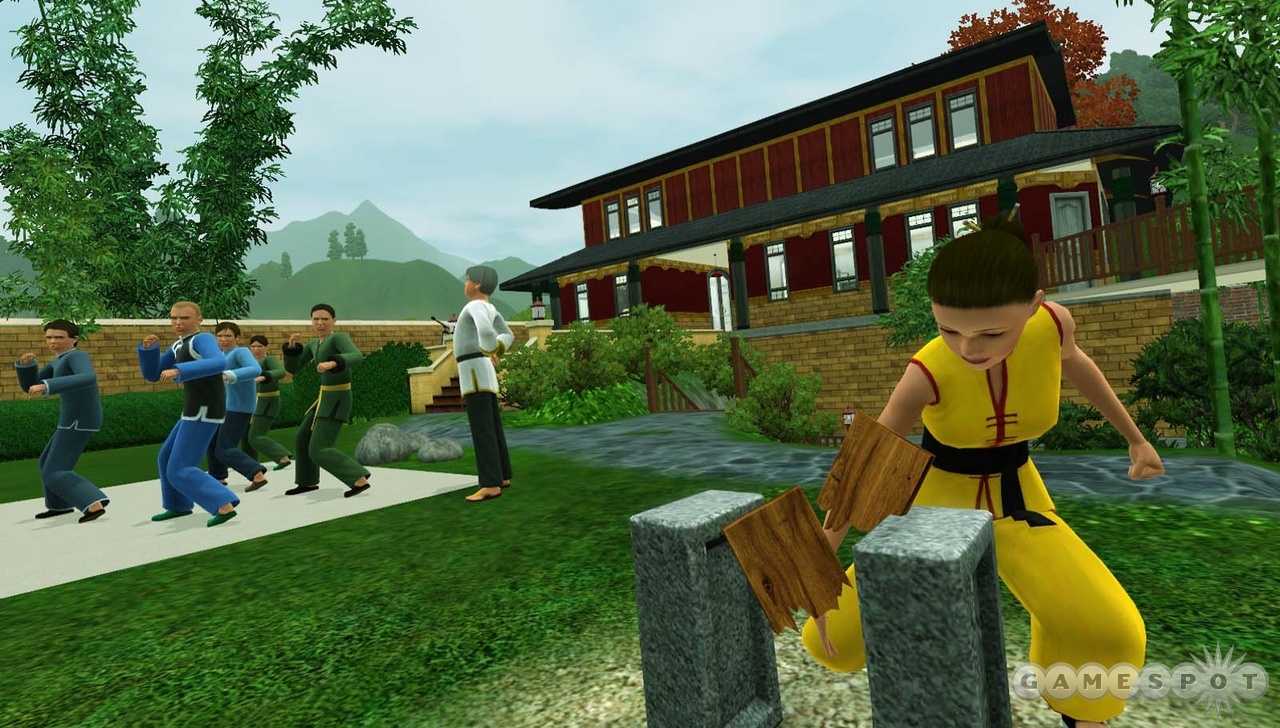
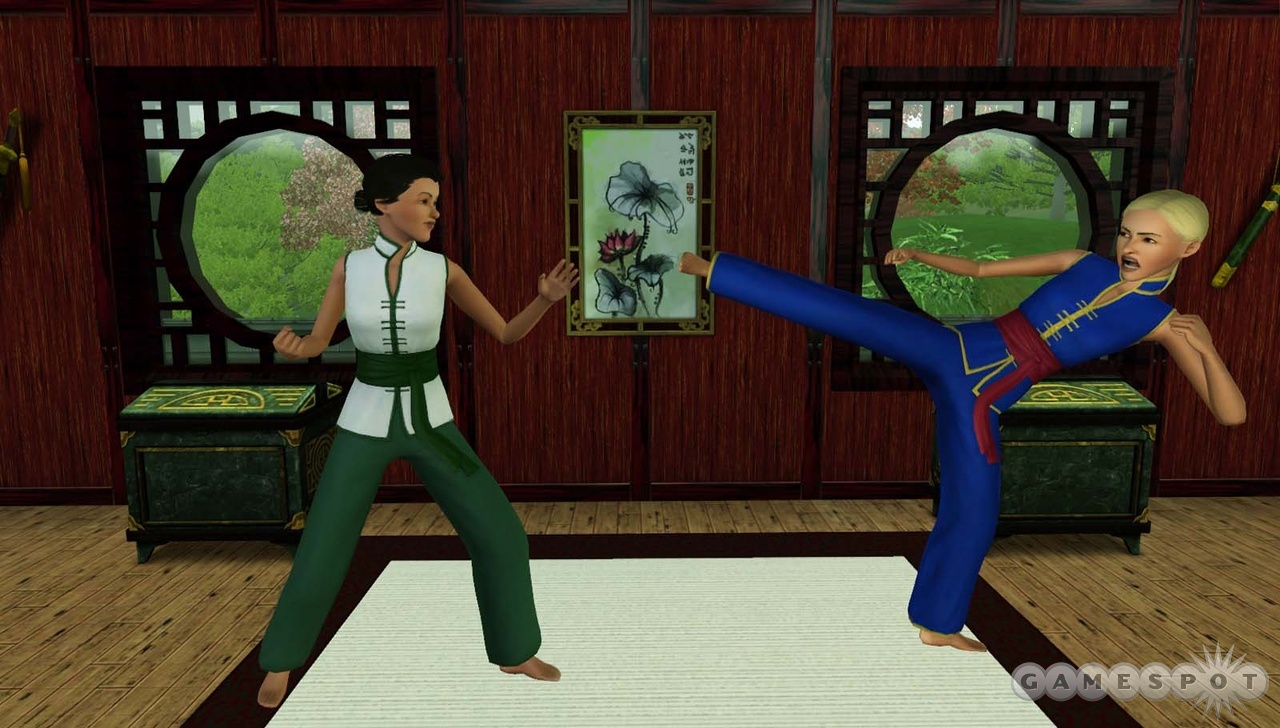
Sims kunnen voor de allereerste keer tegen elkaar sparren en de Oosterse vechtkunst leren terwijl ze op reis zijn in Shang Simla in China! Hieronder staan enkele tips die van pas kunnen komen terwijl je Sim traint om een echte Oosterse vechtkunstenaar te worden.
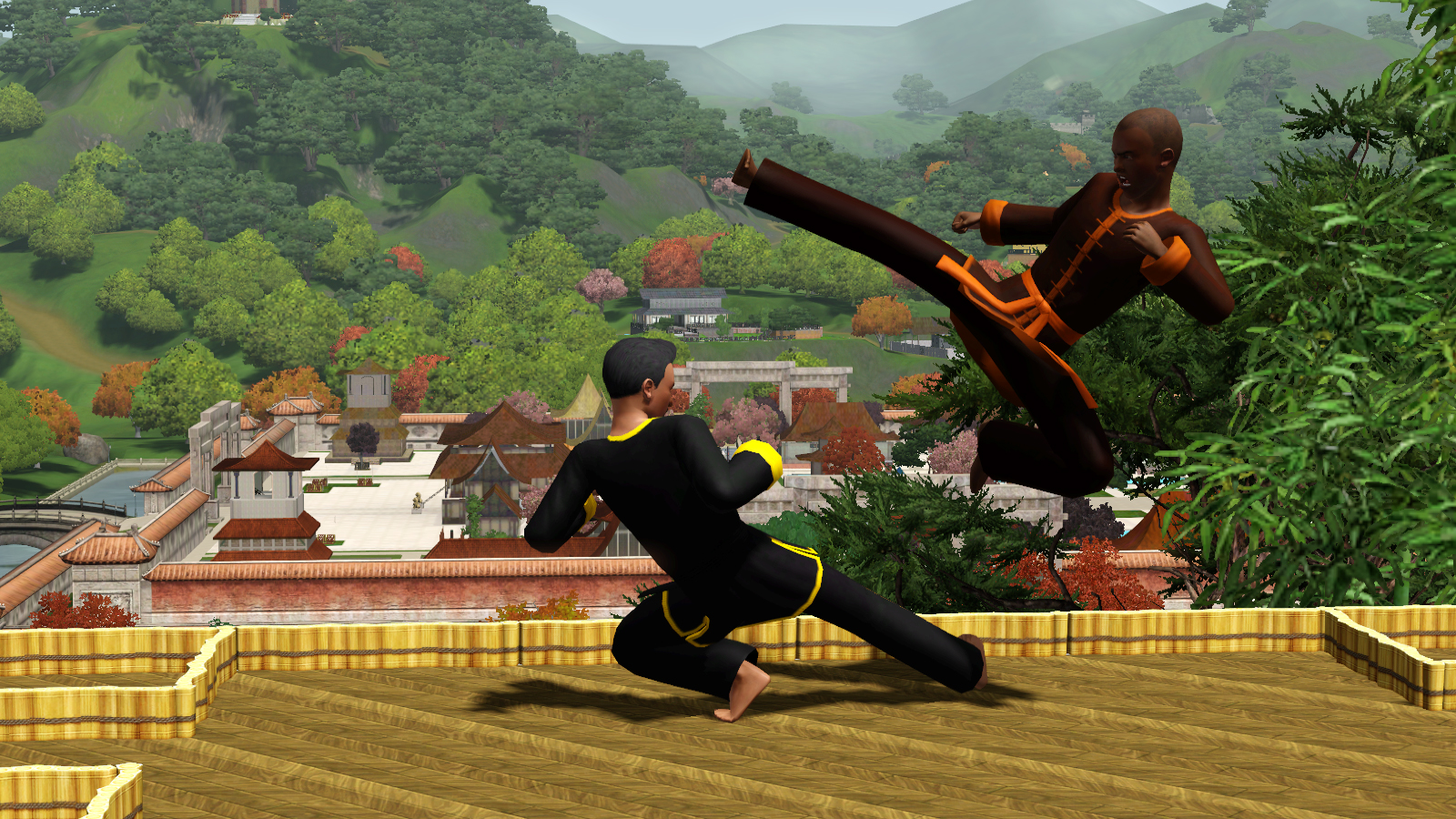
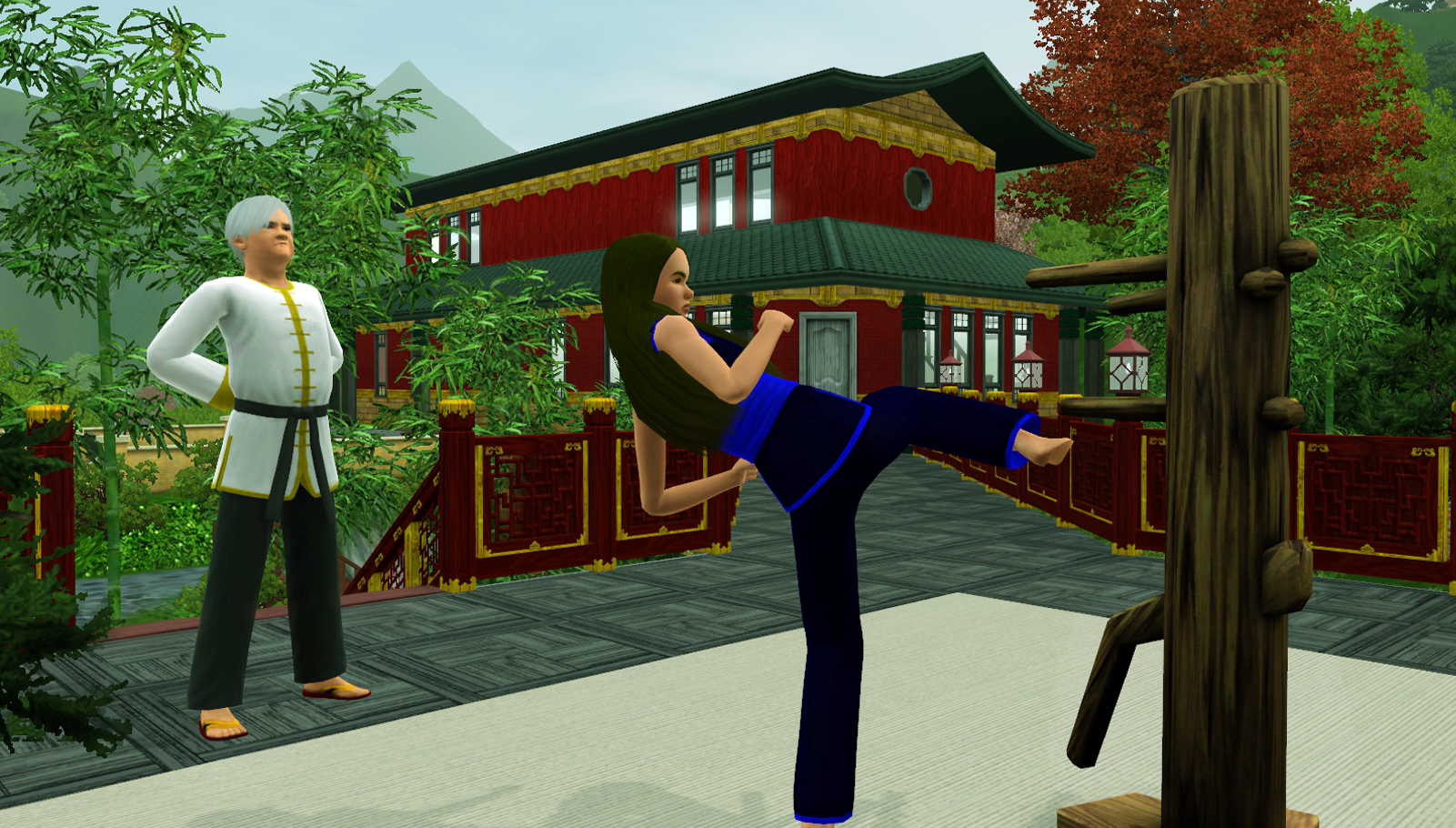
TRAINEN – De Oosterse Vechtkunstacademie ‘Feniks’ in Shang Simla in China is de beste plek om aan het pad der rechtvaardigheden te beginnen. Maar zij die graag buiten China willen trainen, kunnen trainingspoppen, bordenbrekers en boeken kopen, die ze vervolgens mee naar huis kunnen nemen. Alleen na een hele hoop trainingen met de trainingspoppen en na talloze borden gebroken te hebben, zal je Sim op het juiste pad van de overwinning weten te komen. Om de Oosterse vechtkunst in De Sims 3 Wereldavonturen helemaal onder de knie te kunnen krijgen, moet je Sim het tegen verschillende waardige tegenstanders opnemen tijdens het Grote Vechttoernooi in China.
OEFENEN – Oosterse vechtkunstenaars sparren graag en vinden het leuk om hun vaardigheden tijdens een vriendschappelijk gevecht te ontwikkelen. Als beloning krijgen Oosterse vechtkunstenaars nieuwe trainingspakken met een kleurrijke band, die hun vaardigheid en ervaring weergeeft. Door te sparren kunnen je Sims hun vaardigheden goed ontwikkelen, vriendschappen opbouwen en hun coole nieuwe banden die ze als beloning ontvangen hebben aan anderen laten zien!
CONCENTRATIE – Meditatie is essentieel als je Sims zich goed wil kunnen concentreren en innerlijke rust wil kunnen vinden. Een krachtige vuist is niets zonder een scherpe geest. Oosterse vechtkunstenaars in opperste concentratie zijn in staat om te teleporteren, waardoor ze heel machtig zijn.
BEHEERSING – Oosterse vechtkunstmeesters zijn zo sterk dat ze magische elementen uit de natuur op kunnen roepen. Hiermee kunnen ze het opnemen tegen kwade krachten!
ONDERWIJZEN – De allerbeste Oosterse vechtkunstenaars mogen anderen trainen. Zo kunnen ze de leer van de Oosterse vechtkunst over de hele wereld verspreiden.
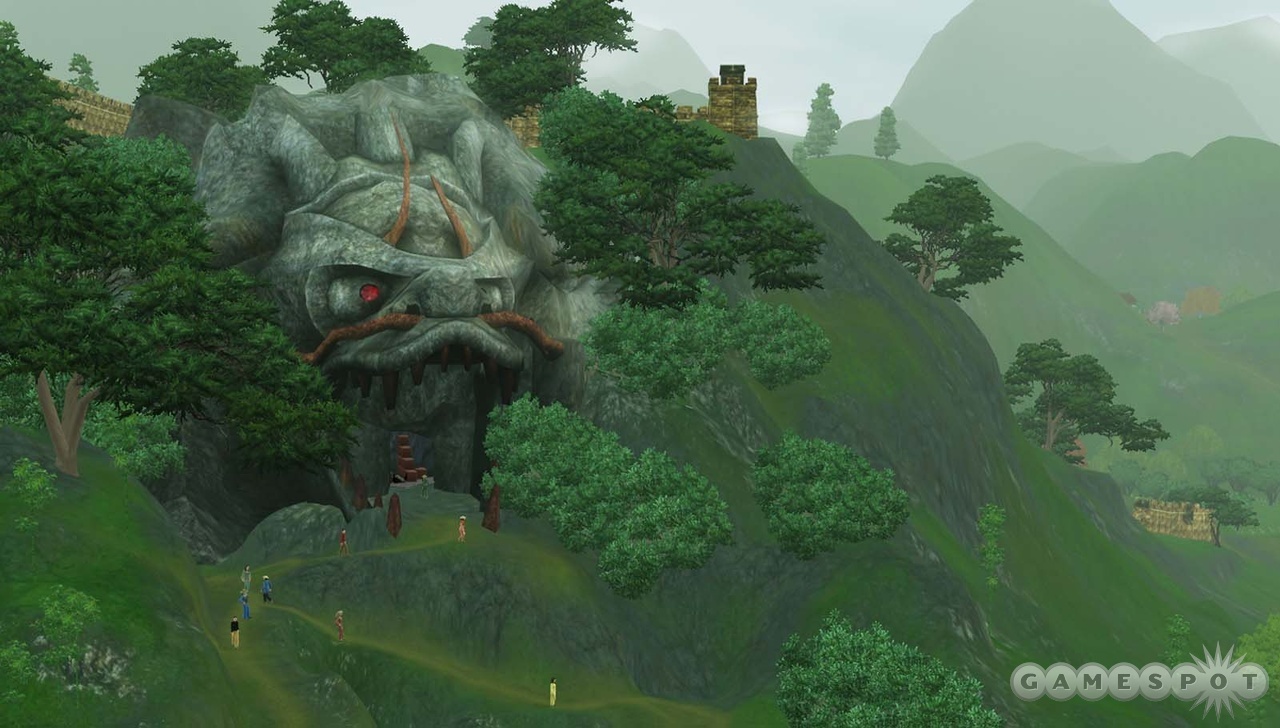
The Sims 3 World Adventures – Exclusive Hands-On
We don our khaki trousers and pith helmets and get our hands on the first expansion pack for The Sims 3.
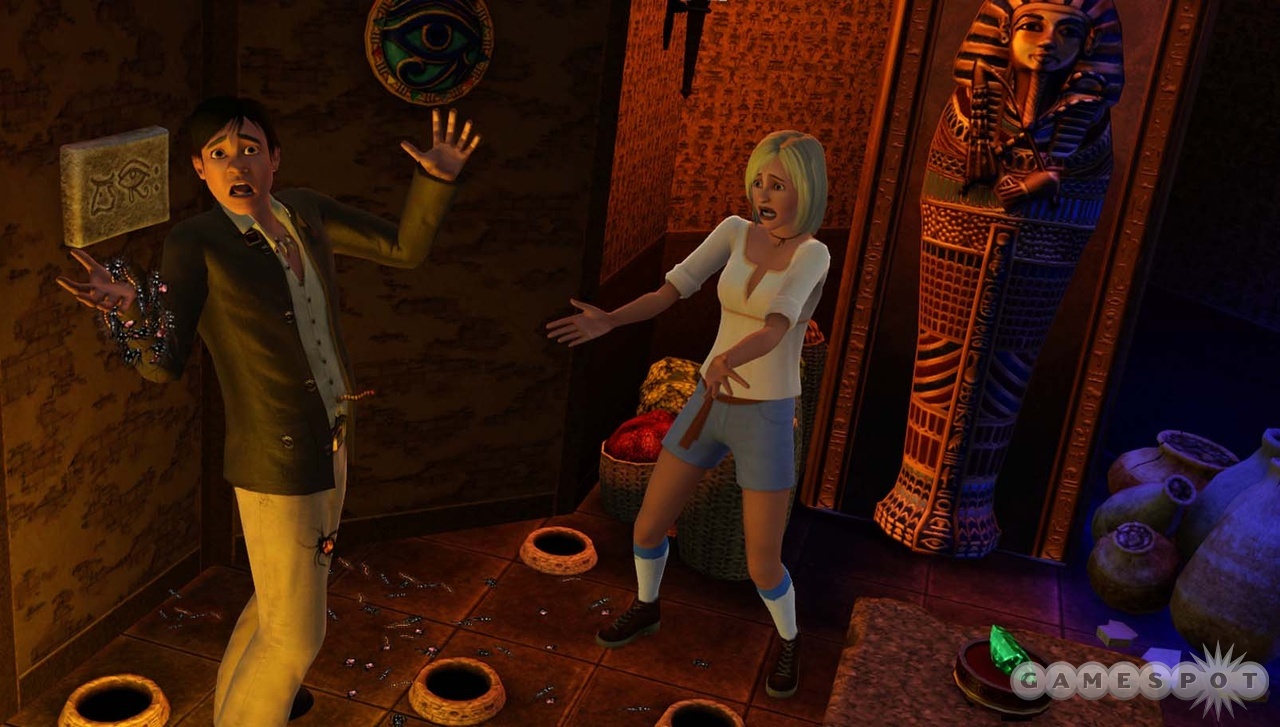
If you’re not familiar with The Sims, well…where have you been? Seriously. The hugely popular series of games lets you take control of self-aware little computer people as they live, love, laugh, and pursue their lifelong dreams while taking the occasional potty break. The most recent edition of the game was this year’s highly anticipated The Sims 3, and now, the first expansion pack, World Adventures, is on the horizon. The expansion lets your sims leave home to explore ancient ruins in one of three locations (China, France, and Egypt) while taking on new professions and collecting all sorts of new loot and achievements. We had a chance to try out a portion of an Egyptian pyramid and get a look at the new adventure tools that are being added to the Sims 3 editor, and we have much to report.
Our journey started off like any other expedition into an ancient Egyptian period–with a comfortable pair of short pants and the willingness to try anything. In order to successfully navigate any of World Adventures’ ruins in search of the treasure troves of collectible artifacts hidden within, you’ll want to monkey with every switch, examine every suspicious-looking statue, inspect every funny-looking wall for secret doors, and step on every loose panel you can find. While these interactive objects aren’t that hard to find (the hardest you’ll have to work will be briefly dragging your mouse cursor along the wall to find secret doors), it’ll be anyone’s guess as to what any of them actually do. That’s because the new tools in the editor let you link multiple interactive objects together to trigger a series of puzzles that can pretty much be as long and complicated as you like (though the tombs that come with the game will vary in difficulty and offer some easy, some medium, and a handful of tough challenges). So, you may have a pile of rubble that your sim hacks away at with a mining pick to reveal a pressure plate hiding a button, which, when pressed, will deactivate the deadly trap in another chamber two rooms back that kept you from picking up a shiny pile of treasure and so on.
The Egyptian tomb we entered was well lit with torches and consisted of equal parts stony walls and watery pools that could be navigated by swimming. Just like in the original version of The Sims 3, you can still use your mouse to give movement commands and other orders to your sims, but World Adventures has a new fog-of-war system that enshrouds unexplored areas. Fortunately, it’s not that hard to see most secrets (unless they’ve been cleverly hidden). So aside from making sure your sim has lots of provisions, such as plenty of dried food and a portable tent for sleeping (and possibly a few of the handy new “shower-in-a-can” items to deal with personal hygiene issues), exploring a temple is really more about trial and error, sniffing out hidden triggers and playing around with them to figure out what they do.
We carefully explored the ruin by taking a series of branching paths and peeking into every nook and cranny we could find. In World Adventures, it’s likely that you’ll find yourself using The Sims 3’s camera controls more than you have in just about any other Sims game because you’ll want to make sure you can locate any hidden goodies, as well as position yourself to interact with objects that are jammed into tight corners or located behind other roadblocks. Diligently searching is usually rewarded with bonus treasures and other goodies, such as special adventure-only coins, which can be used to purchase adventure-specific items from the merchants back at the three different campsites, and money bags (which are full of cold, hard cash). Producer Grant Rodiek suggests that adventuring can actually be profitable enough to be used as a full-on source of income that keeps your sims well fed and well stocked with possessions to make them happy. In fact, the new portable tent item actually, and at long last, makes it possible for your sims to be homeless, property-free itinerants who don’t need a house. They can bum around with other sims as long as they like and then pitch a tent when they get sleepy.
In many cases, in the easier tombs that ship with the game, rooms will be laid out in a way that encourages you to poke around. While we didn’t find any mummies to leap out of sarcophagi and attack us (the physical body skills of your sims will help you get the upper hand, as will the new martial arts skills you can learn in the Chinese ruins area), we did find plenty of harmless-looking rooms with only a few apparent interactive objects–a trap here or there, a pressure plate, or a sliding statue. You can pull or push statues by lining up your cursor with the direction you want to push or pull, and leaving a statue on top of a pressure plate will keep that plate “triggered,” which is a state you may need the plate in to solve the next part of the puzzle. Once we triggered the plates or pressed buttons, we’d find any number of other results–other hidden plates and triggers popping up, traps activating or deactivating, hidden treasures and keys popping up, and stairways going up or down to the next levels. Yes, ruins can have multiple floors and can be created to be absolutely huge. They can be so huge, in fact, that in order to ease your transit time from deep in the dungeon to back to the campsite, you may also find, if you’re lucky (or put in yourself, if you use the editing tools), a diving pool your sims can use to instantaneously route back home.
World Adventures is clearly a very different and very bold direction for The Sims games. And while you can definitely burn through an evening or three puttering around the prebuilt ruins that the Sims team at EA has put together, the real potential seems to be in the editing tools. It will be interesting to see how enterprising builders use the series of triggering objects within the ruins to interconnect and design not just a house or a shop but a full-on playable dungeon of their own. World Adventures ships in November.
Bron: Sims 3 Nieuws
Na net de Nederlandse vertaling van Deel 1 te hebben gepost is deel 2 er al weer. Dit keer weer wel in het Engels. Vertaling volgt volgende weerk
The Underworld of The Sims
Lesson in Cause and Effect—What You Can Build for Your Sims to Explore in The Sims 3 World Adventures
In The Sims 3 World Adventures, you can build like never before and share simple or complex tombs, hidden caves, and catacombs you’ve created with other Sims players. Building tombs is an entirely new way to enjoy Build and Buy Modes in the game and adds a new element to the adventure gameplay as a first for The Sims. To continue the lesson in adventure building, we’ve outlined additional objects that you can use and triggers that will activate behaviors—cause and effect style. Plus, we have more tips. We can’t wait to see what you’ll create!
Additional New Objects + Tweaks to Existing Objects
Note: Triggers and Activated Behaviors are set up using the Ctrl + Shift + Left Click Buy Mode interaction described above.
- Hole in the Wall and Floor: The Hole in the Wall and Floor objects are small, rune inscribed holes in which Sims can seek treasure or hidden switches. Beware, as bugs may come flowing out! The Hidden Switch Trigger can be used to set off Activated Behaviors. Holes in the Wall and Floor can be set to Appear or Disappear. Furthermore, treasure can be hidden inside them for Sims who take the time to look!
- Keystone Panel and Keystones: Every tomb should have keys! Keystone Panels have the Insert Keystone Trigger, which can be used to set off Activated Behaviors. Most commonly are opening of locked doors or treasure chests. Keystone Panels can be set to accept generic Heart, Star, and Crescent keystones. Keystones can be found in tombs, inside chests, underneath rubble piles, or anywhere in which a treasure can be hidden.
- Ancient Coin Pile: Ancient Coin piles are a great reward for Sims. They can be used to buy Adventure Rewards from the special merchant. Ancient Coin piles can be set to be Very Small, Small, Large, or Very Large.
- Rubble Pile: Caves and ancient structures need cave-ins. You can block door ways, hallways, and rewards like Ancient Coins and Treasure Chests by placing a rubble pile on top of it. There are corner and flat wall rubble piles, as well as dark and light stone variants. Over time, Sims will hack away at them and clear them eventually to reveal switches or treasures. Tomb Designers are able to set the length of time it takes to clear the tomb.
- Hidden Doors: Hidden Doors are great for hiding secret areas and surprising the players. These can be set to Locked, Unlocked, Visible, or Invisible, or even “Non-Discoverable.” Visible ones must be opened by patient and strong Sims, whereas Hidden ones must first be inspected. If Locked, the doors can only be opened by a Trigger, as Locking, Unlocking, Hide, and Unhide are Activated Behaviors. Non-Discoverable doors cannot be inspected. In fact, they can only be found when the correct Trigger makes them appear!
- Locking and Unlocking Doors: Doors can be set to Locked or Unlocked in tombs. This is a very straightforward way to gate Sims until they complete a puzzle. A simple example is to set the Unlock Activated Behavior on a Locked Door, that is Triggered when the Sim Steps On a Floor Switch.
- Gigantic Boulder: These can be placed to block entrance to special areas, or an entire tomb. These huge boulders can only be destroyed with the mystical Pangu’s Axe, which can be found via an Adventure in China. The Gigantic Boulder is a great way to give players a reason to return to your tomb once they have Pangu’s Axe.
Trigger Flow and Content Examples
It is best to follow a specific order to design straightforward, intuitive tombs for others to experience. It’s possible to modify the process for what best fits your creative side, but this is a good method with which to begin.
1.) Design the Layout and Theme for your tomb. Is it going to be a tomb filled with fire? What about a watery graveyard with pools, fountains, and steam traps? Before you get caught up with individual puzzles, and tiny details, know where you’re going to place things and what you want the overall experience to be.
2.) Build the Tomb and Place all objects: Make sure your traps fit in the tight hallways, there’s plenty of room for your dive wells, and be sure to confirm that there is room for statues to be pushed and pulled towards completion of the puzzle.
3.) Set up Triggers and Activated Behaviors: Depending on how much thought you put into your puzzles in the earlier steps, this part may be a breeze or quite complicated. There is a very specific flow that must be used here in order for things to work properly.
TIP: In order for the tomb to act like a tomb, you must set up a series of Triggers and Activated Behaviors on the placed tomb objects. It is possible to access these commands by entering Buy Mode, and Ctrl + Shift Left Clicking on objects. Examples will be provided on how to use these commands, but it’s important to explain how to access them in the first place!
Triggers and Activated Behaviors
When you want something to activate something else, essentially a cause and effect, you must first designate a Trigger, then Activate a behavior. For example, you want to make it so that when a Sim steps on a floor switch, a door is unlocked.
Floor Switch to Unlock Door
1.) Place the Door
2.) Place the floor switch
3.) Lock the Door using Buy Mode Interactions
4.) Use the “Link Triggers…Step On” interaction on the Floor Switch
- Here, you are saying that the Trigger is Step On
5.) Use the “Link to Activated Behavior…Unlock” interaction on the Door
- Here, you are saying that the Activated Behavior for the last Trigger is to Unlock
TIPS: The “Link to Activated Behavior” interaction only appears once a Trigger is set. If you want to change what the current trigger is, simply click on an object and select “Reset Current Link.” If you want to see the Triggers current set from an object, hover over the object with the mouse cursor. Lines will be drawn to the connecting objects. If you want to see all triggers set up, select “Triggers…Draw All Links on Lot.” If you want to delete a Trigger, click the object, select “Triggers…” with the name of the Trigger. When doing “Link to Activated Behavior,” all available Activated Behaviors that have not already been selected from the Trigger object will be displayed.
To further acquaint you with this building system, here are some common tomb object components and setups for you to use. Remember, these are just examples! Triggers and Activated Behaviors can be mixed and matched to create a huge variety of puzzles.
Keystone Panel to Unlock a Door
1.) Place the Door
2.) Place the Keystone Panel on the wall near the door
3.) Place a keystone in the room
4.) Lock the Door
5.) Use the “Link Triggers…Insert Keystone” interaction on the Keystone Panel
6.) Use the “Add the Ability to Add Triggers and Activated Behaviors” interaction on the Door
7.) Use the “Link to Activated Behavior…Unlock” interaction on the Door
When inserting the keystone into the Keystone Panel, the door will unlock.
Disable Fire Trap with Steam Trap
1.) Place a trap on the floor
2.) Place a trap as close as possible to the first one on the wall
3.) Place a Floor Switch
4.) Use the “Set Trap Type…Fire” interaction on the floor trap
5.) Use the “Set Trap Type…Steam” interaction on the wall trap
6.) Use the “Set Trap State… Firing and Visible” interaction on the floor trap
7.) Use the “Set Trap State…Armed and Visible” interaction on the wall trap
8.) Use the “Link Triggers…Step On” interaction on the floor switch
9.) Use the “Link to Activated Behaviors…Fire Once” interaction on the wall trap
The Sim cannot get past the fire trap. However, when the Sim steps on the floor switch, it activates the steam trap which puts water onto the fire trap. The fire trap is now disabled and the Sim can pass!
Use Pushable Statue to Disable Trap
1.) Place Pushable Statue
2.) Place trap on the floor
3.) Use the “Make Visibly Movable – (Currently: None)” interaction on the Pushable Statue
4.) Use the “Set Trap Type…Electricity” interaction on the floor trap
5.) Use the “Set Trap State…Armed and Visible” interaction on the floor trap
The Sim probably doesn’t want to risk walking across this armed electrical trap. The Sim can now push the statue onto the trap, which will disarm it for safe passage!
Use Pushable Statue on Floor Switch to make Floor Switch Appear and unlock Door
1.) Place Pushable Statue
2.) Place two floor switches (Switch A and B)
3.) Place Door
4.) Lock the Door
5.) Use the “Hide” interaction on Switch B
6.) Use the “Make Visibly Movable – (Currently: None)” interaction on the Pushable statue
7.) Use the “Link Triggers…Step On” interaction on Switch A
8.) Use the “Link to Activated Behaviors…Appear” interaction on Switch B
9.) Use the “Link Triggers…Step Off” interaction on Switch A
10.) Use the “Link to Activated Behaviors…Disappear” interaction on Switch B
11.) Use the “Link Triggers…Step On” interaction on Switch B
12.) Use the “Add the Ability to Add Triggers and Activated Behaviors” interaction on the Door
13.) Use the “Link to Activated Behaviors…Unlock” interaction on the Door
If the Sim steps on Switch A, Switch B appears! However, it quickly disappears when the Sim gets off Switch A. The solution is to push the statue onto Switch A, which makes Switch B permanently visible. The Sim can now step onto Switch B to unlock the door.